✨ New Arrivals Just Dropped!Explore

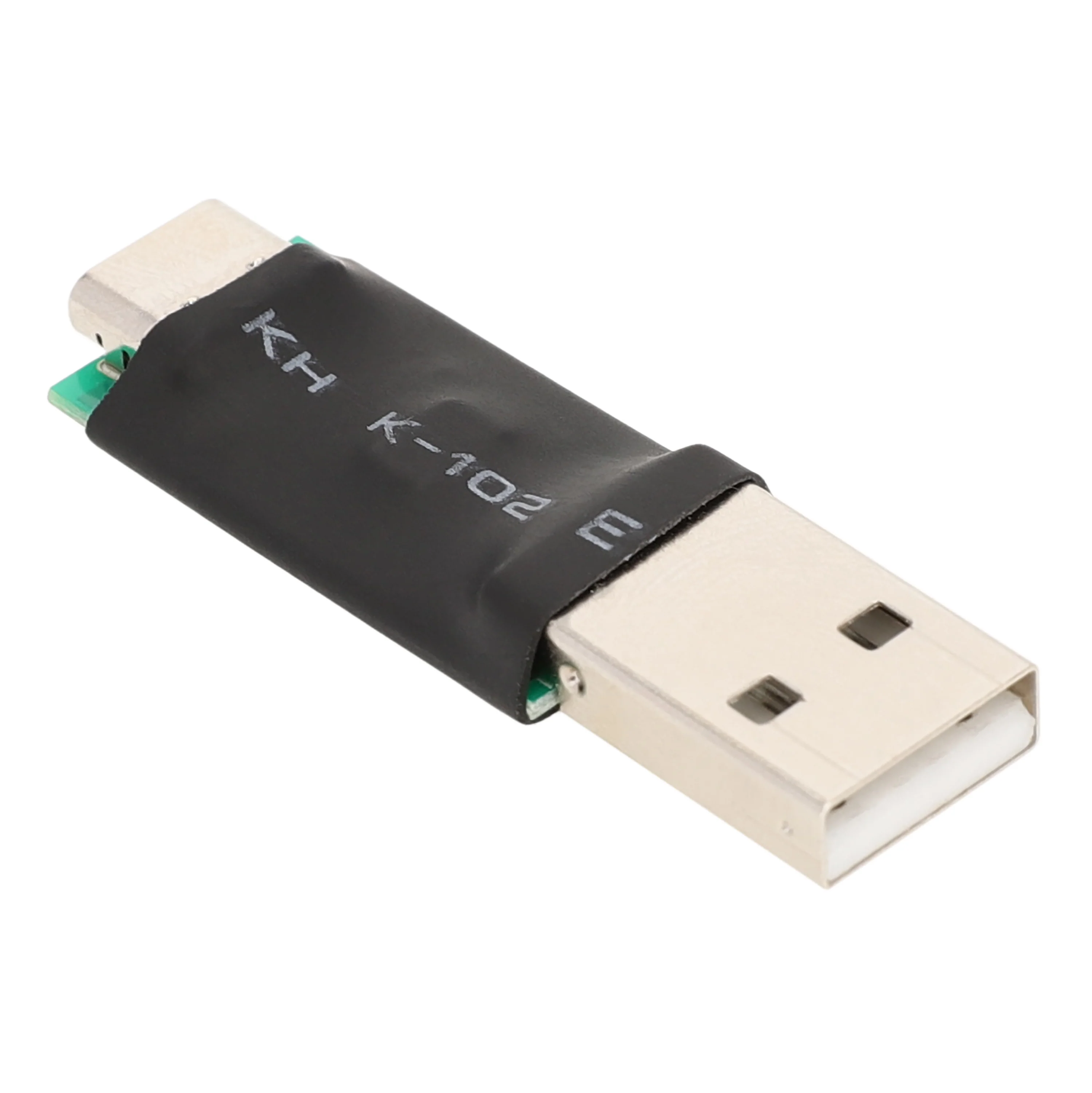
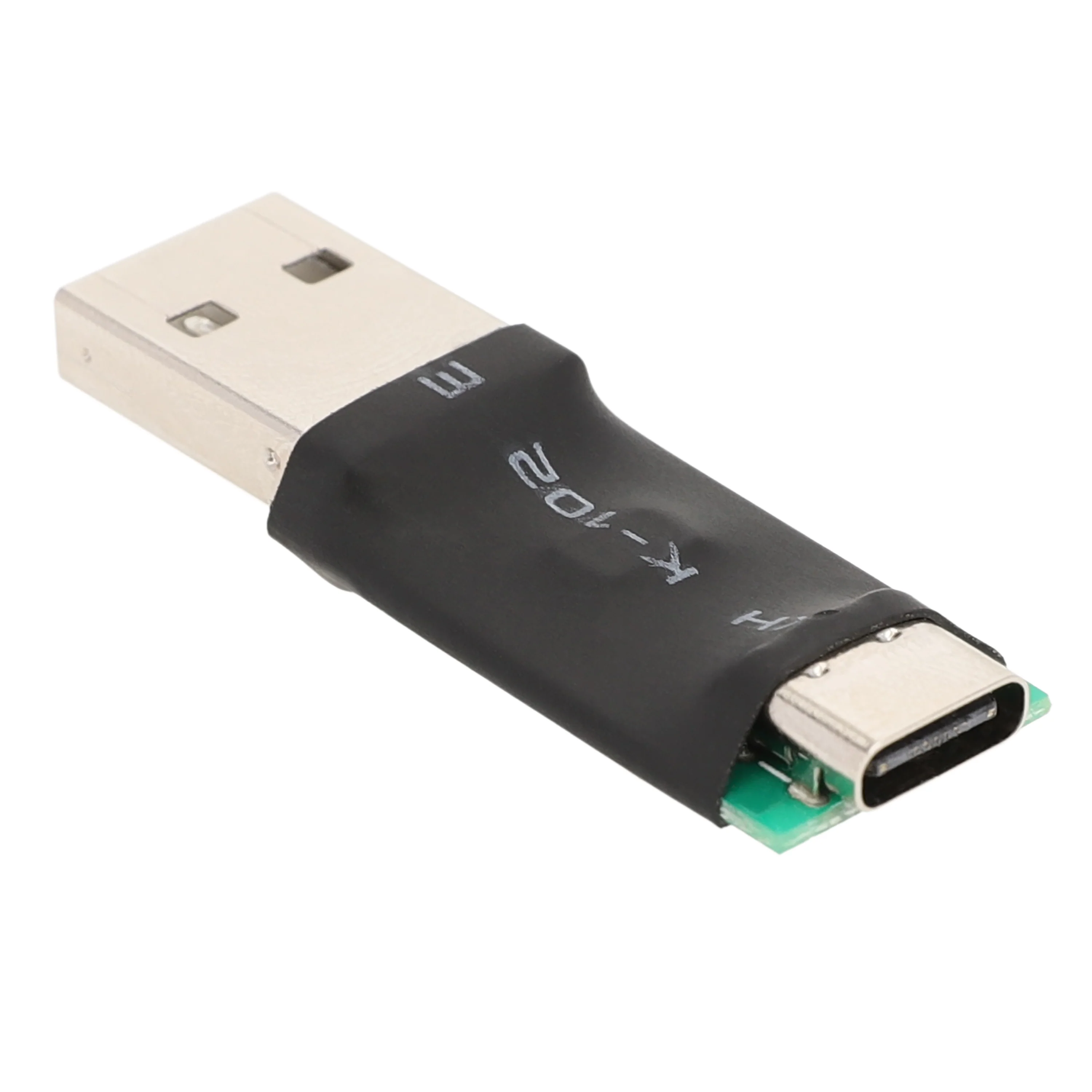
MEUS Racing USB Dongle for ME-10B ME-8B ME-8A Transmitter Upgrade
MEUS Racing USB Dongle for ME-10B, ME-8B ME-8A Transmitter Upgrade
Key Feature:
- 1. There are no upgrade files in the USB dongle.
- 2. Before upgrading your transmitter, please download the upgrade file to your computer first.
- 3. Before updating your transmitter, you still need to install the USB Dongle drive file-->>USB Dongle driver file
- 4. The transmitter cannot be upgraded directly using an upgrade file.
How to install the USB Dongle driver file?
- 1. Download the driver file to your computer.
- 2. Unzip the driver file.
- 3. Double-click the "SETUP.EXE" program.
- 4. The program will be installed.
How do I check the port name of the USB dongle?
- 1. Connect the USB dongle to your computer.
- 2. Right-click "My Computer" or "This PC" and select "Manage."
- 3. Click "Device Manager," locate the port, and note the port number (this may be different for different computers and USB drives).
How to upgrade the transmitter?
$0.35
Original: $0.99
-65%MEUS Racing USB Dongle for ME-10B ME-8B ME-8A Transmitter Upgrade—
$0.99
$0.35Product Information
Product Information
Shipping & Returns
Shipping & Returns
Description
MEUS Racing USB Dongle for ME-10B, ME-8B ME-8A Transmitter Upgrade
Key Feature:
- 1. There are no upgrade files in the USB dongle.
- 2. Before upgrading your transmitter, please download the upgrade file to your computer first.
- 3. Before updating your transmitter, you still need to install the USB Dongle drive file-->>USB Dongle driver file
- 4. The transmitter cannot be upgraded directly using an upgrade file.
How to install the USB Dongle driver file?
- 1. Download the driver file to your computer.
- 2. Unzip the driver file.
- 3. Double-click the "SETUP.EXE" program.
- 4. The program will be installed.
How do I check the port name of the USB dongle?
- 1. Connect the USB dongle to your computer.
- 2. Right-click "My Computer" or "This PC" and select "Manage."
- 3. Click "Device Manager," locate the port, and note the port number (this may be different for different computers and USB drives).